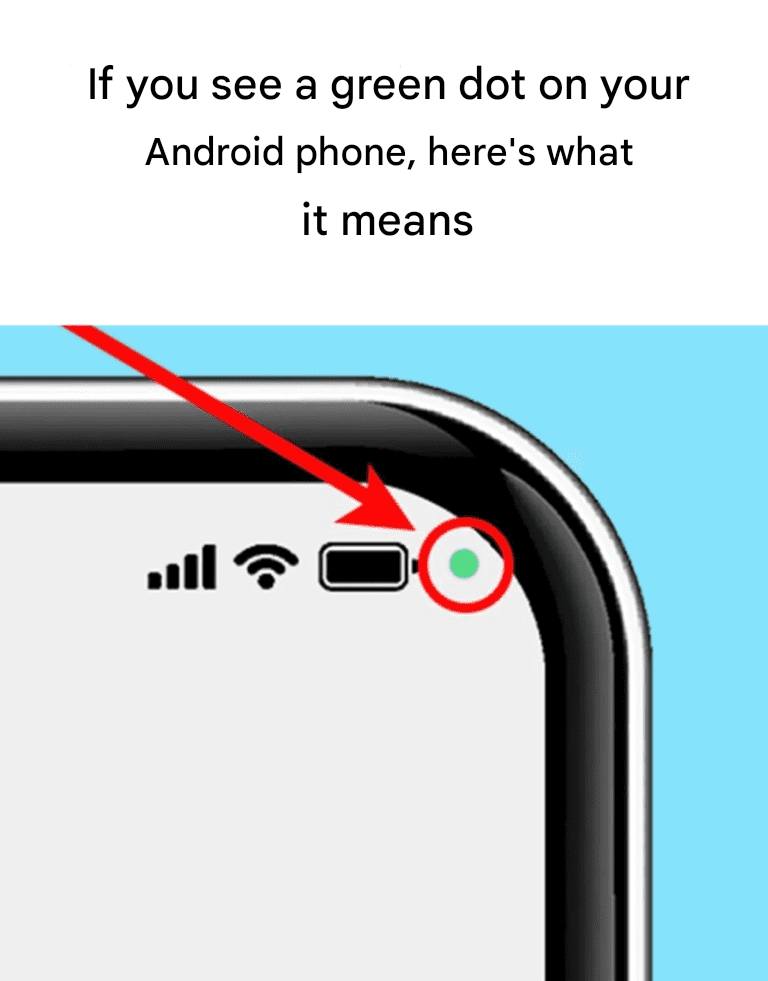
If you see a green dot on your Android phone, it means your camera or microphone is being used right now.
What’s actually happening 👀🎤
Android added this as a privacy indicator (similar to iPhones):
- 🟢 Green dot = an app is accessing your camera or microphone
- It appears in the top-right corner of the screen
- Shows up during things like:
- Camera use
- Video calls
- Voice recording
- Voice assistants
How to check which app is using it
- Swipe down from the top of the screen
- Tap the green dot icon
- Android will show exactly which app is using the camera or mic
No guessing required.
When to be concerned 🚨
You should double-check if:
- The dot appears when you’re not using a camera, call, or voice feature
- You don’t recognize the app listed
- It happens frequently in the background
In that case:
- Review app permissions
- Remove camera/mic access from suspicious apps
- Uninstall anything sketchy
How to protect your privacy
- Go to Settings → Privacy → Permission Manager
- Limit camera/mic access to “Only while using the app”
- Turn off permissions for apps that don’t truly need them
Bottom line
🟢 Green dot = privacy working as intended, not a hack
It’s Android’s way of saying: “Hey, something is listening or looking.”
If you want, tell me your Android version and I can walk you through locking this down even tighter 🔐📱
